Exercise 1: Prints my name
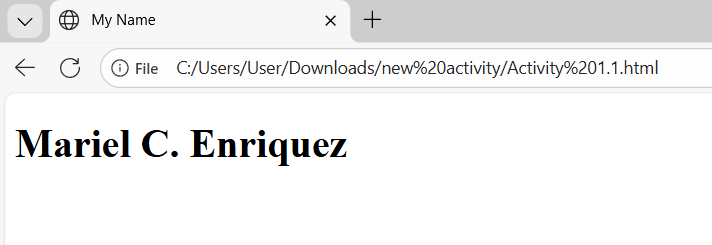
<!DOCTYPE html>
<html>
    <head>
        <title>My Name</title>
    </head>
    <body>
        <h1>Mariel C. Enriquez</h1>
        <!--I am creating a webpage that prints my name in the screen-->
    </body>
</html>
Exercise 2: Print numbers 1 to 10
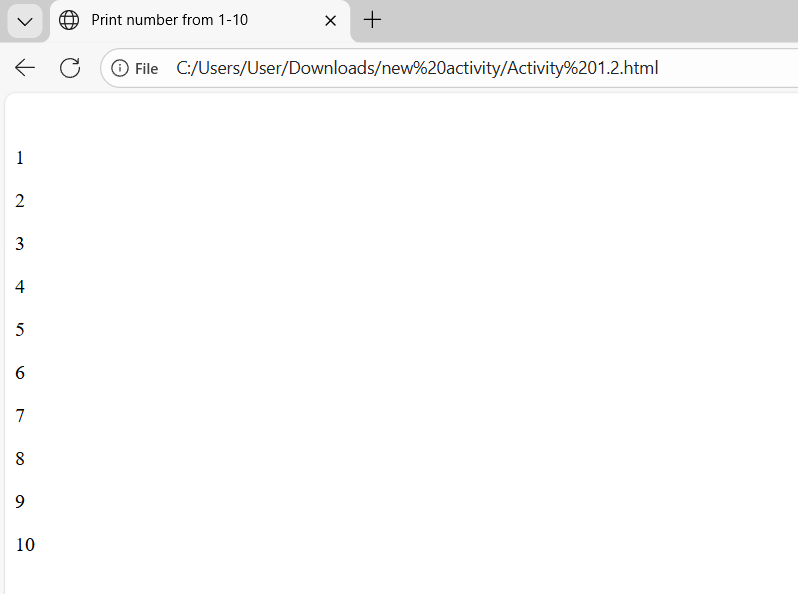
<!DOCTYPE html>
<html>
    <head>
        <title>Print number from 1-10</title>
    </head>
    <body>
        <p>1
        <p>2
        <p>3
        <p>4
            <p>5
                <p>6
                    <p>7
                        <p>8
                            <p>9
                                <p>10</p>

        <!--I am creating a webpage that prints the number from 1-10 in the screen-->
    </body>
</html>
Exercise 3: Webpage Name
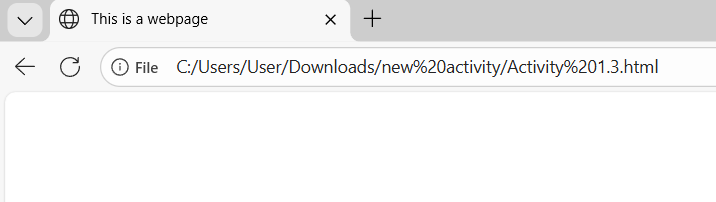
<!DOCTYPE html>
<html>
    <head>
        <title>This is a webpage</title>
        <!--sets the title to "This is a webpage" -->
    </head>
</html>
Exercise 4: Prints the message and set the title of the page to the current date
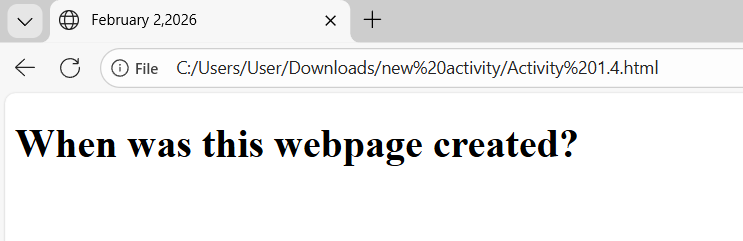
<!DOCTYPE html>
<html>
    <head>
        <title>February 2,2026</title>
        <body>
            <h1>When was this webpage created?</h1>
            <!--Prints the message and set the title of the page to the current date  -->
        </body>

    </head>
</html>
Exercise 5: No Head Section
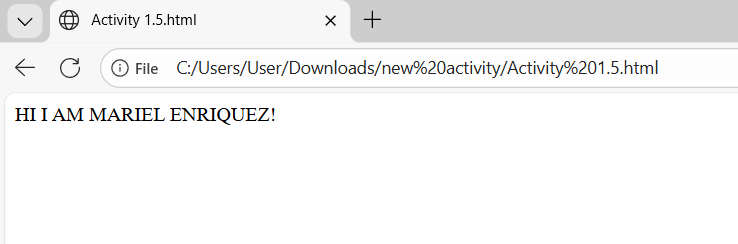
<html>
  <body>
    <!-- This text will appear on the screen without a head section -->
    HI I AM MARIEL ENRIQUEZ!
  </body>
</html>
Exercise 6: With Head Section
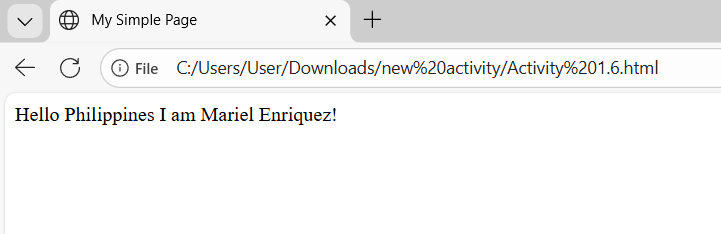
<!DOCTYPE html>
<html>
  <head>
    <title>My Simple Page</title>
  </head>

  <body>
    <!-- This text will appear on the screen  with a head section -->
    Hello Philippines I am Mariel Enriquez!
  </body>
</html>
Learning
I learned that creating a webpage in HTML is simple but requires attention to detail. I noticed that each tag has a specific purpose, and using them correctly helps organize the content properly. I also realized that even basic elements like titles and paragraphs play an important role in how a webpage looks and functions. Through this activity, I became more comfortable writing HTML code and gained a better understanding of how web pages are built step by step.