Exercise 1: Search Engine
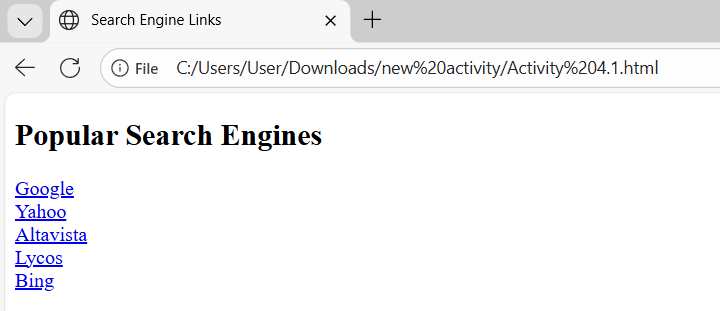
<!DOCTYPE html>
<html>
  <head>
    <title>Search Engine Links</title>
  </head>
  <body>
    <h2>Popular Search Engines</h2>
    <!--Links to various search engines-->
    <a href="https://www.google.com">Google</a><br>
    <a href="https://www.yahoo.com">Yahoo</a><br>
    <a href="https://www.altavista.com">Altavista</a><br>
    <a href="https://www.lycos.com">Lycos</a><br>
    <a href="https://www.bing.com">Bing</a><br>
  </body>
</html>
Exercise 2: Link to Different Websites
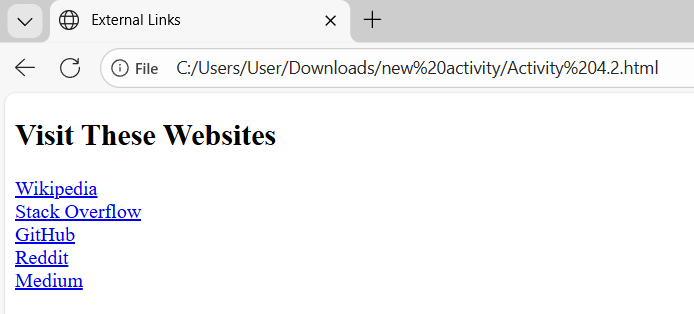
<!DOCTYPE html>
<html>
  <head>
    <title>External Links</title>
  </head>
  <body>
    <h2>Visit These Websites</h2>
    <!-- Links to five different pages on five different websites (open in new window) -->
    <a href="https://www.wikipedia.org" target="_blank">Wikipedia</a><br>
    <a href="https://www.stackoverflow.com" target="_blank">Stack Overflow</a><br>
    <a href="https://www.github.com" target="_blank">GitHub</a><br>
    <a href="https://www.reddit.com" target="_blank">Reddit</a><br>
    <a href="https://www.medium.com" target="_blank">Medium</a><br>
    <!--target="_blank" ensures links open in a new window or tab.-->
  </body>
</html>
Exercise 3: Top to Bottom Link
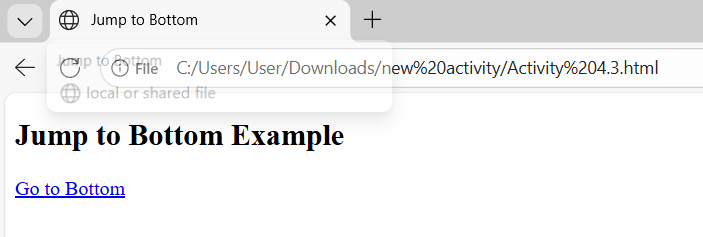
<!DOCTYPE html>
<html>
  <head>
    <title>Jump to Bottom</title>
  </head>
  <body>
    <h2>Jump to Bottom Example</h2>

    <!-- Link to the bottom using an anchor -->
    <a href="#bottom">Go to Bottom</a>

    <p style="margin-top:1000px;"> <!-- adds space to scroll down -->
      <a id="bottom"></a> <!-- target anchor at the bottom -->
      You have reached the bottom of the page!
    </p>
  </body>
</html>
Exercise 4: Bottom to Top Link

<!DOCTYPE html>
<html>
  <head>
    <title>Jump to Top</title>
  </head>
  <body>
    <h2>Jump to Top Example</h2>

    <p style="margin-top:1000px;"> <!-- adds space to scroll down -->
      <!-- Link at the bottom pointing to the top -->
      <a href="#top">Go to Top</a>
    </p>

    <!-- Top anchor -->
    <a id="top"></a>
  </body>
</html>
Exercise 5: Top and Bottoms Links
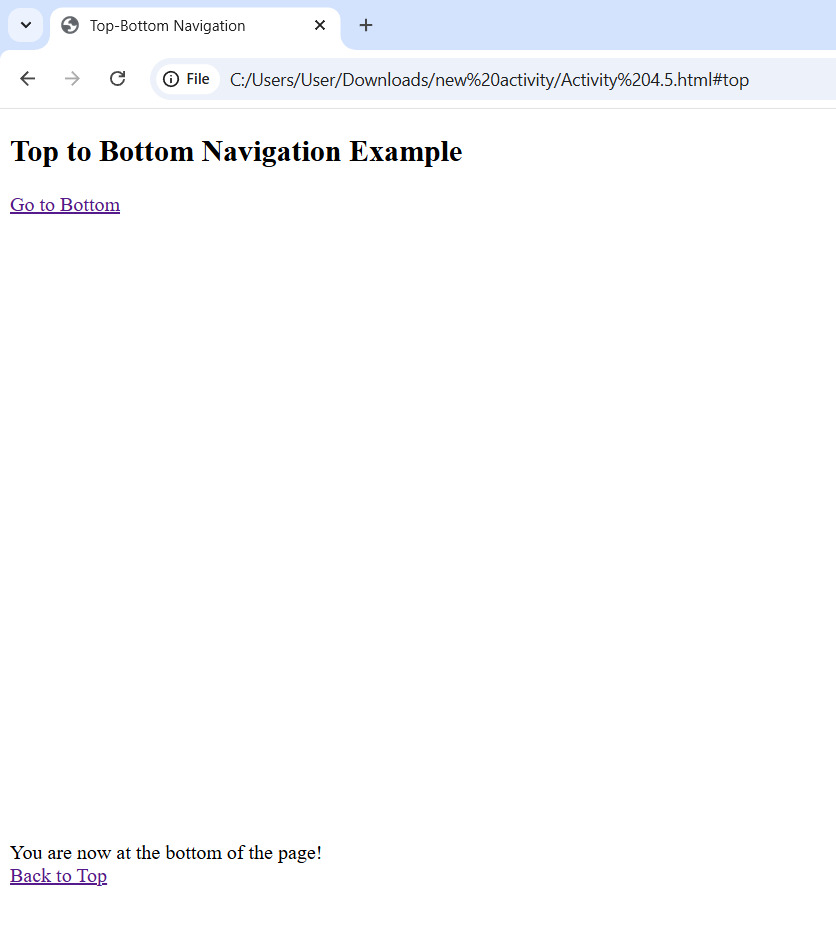
<!DOCTYPE html>
<html>
  <head>
    <title>Top-Bottom Navigation</title>
  </head>
  <body>
    <!-- Top anchor -->
    <a id="top"></a>

    <h2>Top to Bottom Navigation Example</h2>

    <!-- Link at top to jump to bottom -->
    <a href="#bottom">Go to Bottom</a>

    <p style="margin-top:1000px;"> <!-- adds space for scrolling -->
      <!-- Bottom anchor -->
      <a id="bottom"></a>
      You are now at the bottom of the page!
      <br>
      <!-- Link at bottom to jump back to top -->
      <a href="#top">Back to Top</a>
    </p>
  </body>
</html>
Learning
Through these activities, I learned how to create links in HTML and connect to different websites. I also learned how to open links in a new tab and how to move from the top to the bottom of a page using anchors. Overall, this helped me understand how navigation works in a webpage and made me more confident in using links.