Exercise 1: Five different images
<!DOCTYPE html>
<html>
  <head>
    <title>Five Images with Titles</title>
  </head>
  <body>
    <h2>Five Images Example</h2>

    <h3>Sunset</h3>
    <img src="https://images.unsplash.com/photo-1501973801540-537f08ccae7b?auto=format&fit=crop&w=150&q=80"
         alt="Sunset Image">
    <br><br>

    <h3>Mountain</h3>
    <img src="https://images.unsplash.com/photo-1501785888041-af3ef285b470?auto=format&fit=crop&w=150&q=80"
         alt="Mountain Image">
    <br><br>

    <h3>Beach</h3>
    <img src="https://images.unsplash.com/photo-1507525428034-b723cf961d3e?auto=format&fit=crop&w=150&q=80"
         alt="Beach Image">
    <br><br>

    <h3>Forest</h3>
    <img src="https://images.unsplash.com/photo-1506765515384-028b60a970df?auto=format&fit=crop&w=150&q=80"
         alt="Forest Image">
    <br><br>

    <h3>City</h3>
    <img src="https://images.unsplash.com/photo-1494526585095-c41746248156?auto=format&fit=crop&w=150&q=80"
         alt="City Image">
    <br><br>
  </body>
</html>
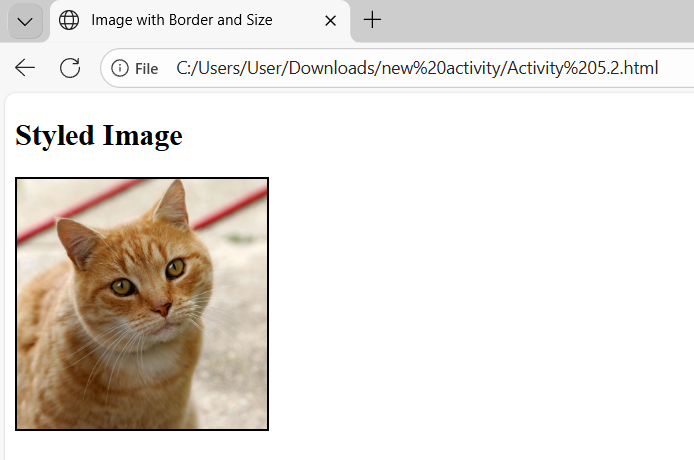
Exercise 2: Image with border
<!DOCTYPE html>
<html>
  <head>
    <title>Image with Border and Size</title>
  </head>
  <body>
    <h2>Styled Image</h2>

    <!-- Image with border, width, and height using Wikimedia Commons -->
    <img
      src="https://upload.wikimedia.org/wikipedia/commons/3/3a/Cat03.jpg"
      alt="Cute Cat"
      style="border:2px solid black;"
      width="200"
      height="200">
  </body>
</html>
Exercise 3: Clickable Image
<!DOCTYPE html>
<html>
  <head>
    <title>Image Link to Search Engine</title>
  </head>
  <body>
    <h2>Click Image to Search</h2>

    <!-- Image wrapped in a link that opens in a new tab -->
    <a href="https://www.google.com" target="_blank">
      <img
        src="https://upload.wikimedia.org/wikipedia/commons/2/2f/Google_2015_logo.svg"
        alt="Google Logo"
        width="150">
    </a>
  </body>
</html>
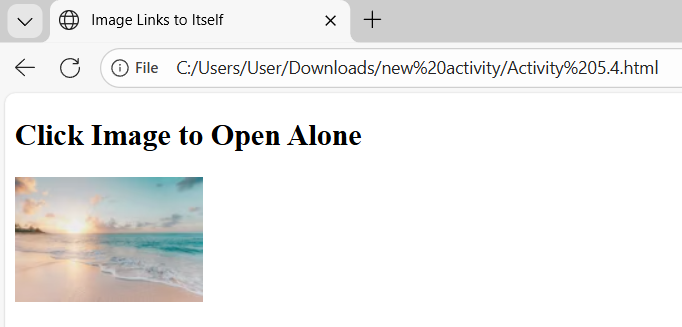
Exercise 4: Clickable Image Linking to itself
<!DOCTYPE html>
<html>
  <head>
    <title>Image Links to Itself</title>
  </head>
  <body>
    <h2>Click Image to Open Alone</h2>

    <a href="https://images.unsplash.com/photo-1507525428034-b723cf961d3e?auto=format&fit=crop&w=500&q=80">
      <img src="https://images.unsplash.com/photo-1507525428034-b723cf961d3e?auto=format&fit=crop&w=150&q=80"
           alt="Self-link Image">
    </a>
  </body>
</html>
Learning
Through these activities, I learned how to add and display images in a webpage using HTML. I understood how to set image size, add borders, and include descriptions using the alt attribute. I also learned how to make images clickable and use them as links to other pages or to open the image itself. Overall, these exercises helped me understand how images work in a website and improved my skills in designing web pages.