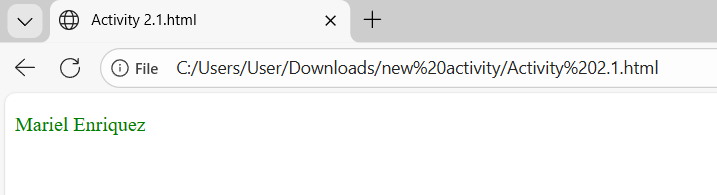
Exercise 1: Make the text Green
<!DOCTYPE html>
<html>
  <body>
    <!-- My name printed in green color -->
    <p style="color: green;">Mariel Enriquez</p>

  </body>
</html>
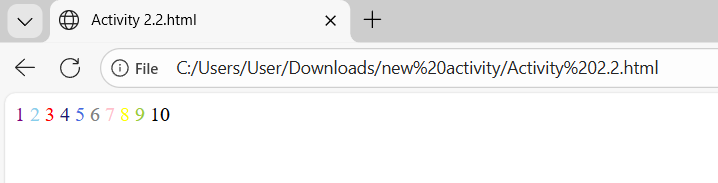
Exercise 2: Numbers 1 to 10 with different colors
<!DOCTYPE html>
<html>
  <body>
    <!-- The numbers from 1 to 10 with different colors -->
    <span style="color:purple;">1</span>
    <span style="color:skyblue;">2</span>
    <span style="color:red;">3</span>
    <span style="color:midnightblue;">4</span>
    <span style="color:royalblue;">5</span>
    <span style="color:gray;">6</span>
    <span style="color:pink;">7</span>
    <span style="color:yellow;">8</span>
    <span style="color:yellowgreen;">9</span>
    <span style="color:black;">10</span>
  </body>
</html>
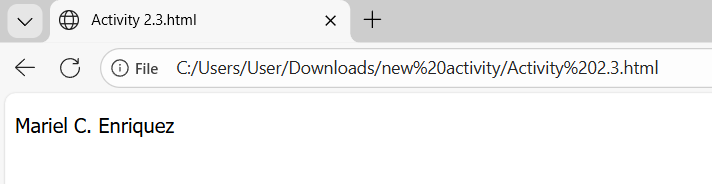
Exercise 3: Tahoma Font
<!DOCTYPE html>
<html>
  <body>
    <!--Prints my name in Tahoma font -->
    <p style="font-family: Tahoma;">Mariel C. Enriquez</p>
  </body>
</html>
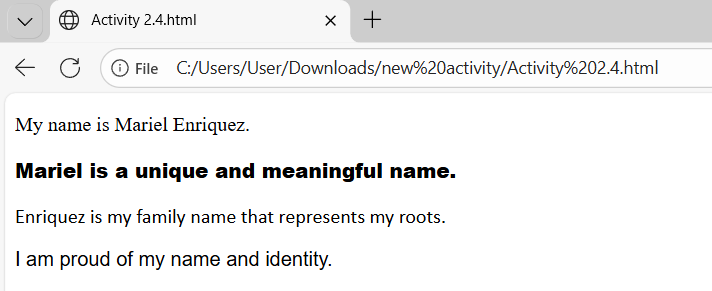
Exercise 4: Different Fonts
<!DOCTYPE html>
<html>
  <body>
    <!--4–5 sentences, each sentence with different font-->
    <!-- Sentence 1 in Arial -->
    <p style="font-family: Times New Roman;">My name is Mariel Enriquez.</p>

    <!-- Sentence 2 in Courier New -->
    <p style="font-family: Arial Black;">Mariel is a unique and meaningful name.</p>

    <!-- Sentence 3 in Georgia -->
    <p style="font-family:Calibri;">Enriquez is my family name that represents my roots.</p>

    <!-- Sentence 4 in Verdana -->
    <p style="font-family: Arial;">I am proud of my name and identity.</p>

  </body>
</html>
Exercise 5: Book
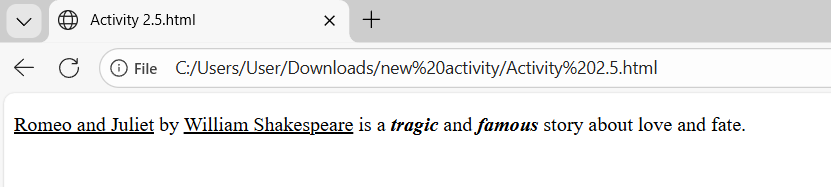
<!DOCTYPE html>
<html>
  <body>

    <!-- Paragraph describing a book with formatting -->
    <p>
      <u>Romeo and Juliet</u> by <u>William Shakespeare</u> is a
      <b><i>tragic</i></b> and <b><i>famous</i></b> story about love and fate.
    </p>

  </body>
</html>
Exercise 6: Different Heading Sizes
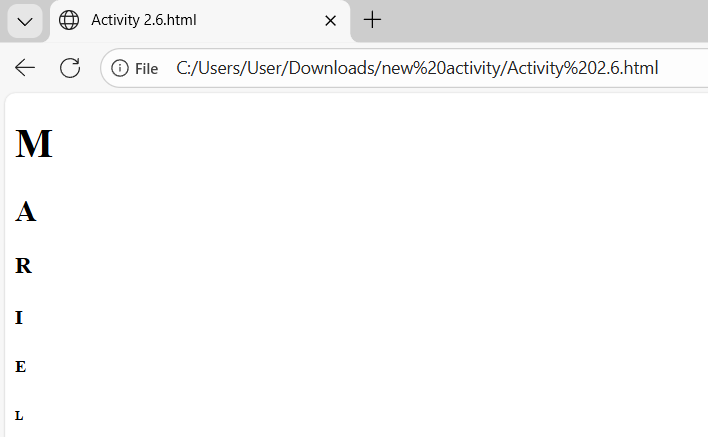
<!DOCTYPE html>
<html>
  <body>

    <!-- Each letter of my name uses a different heading -->
    <h1>M</h1>
    <h2>A</h2>
    <h3>R</h3>
    <h4>I</h4>
    <h5>E</h5>
    <h6>L</h6>

  </body>
</html>
Learning
Through these activities, I learned how to style text in HTML using colors, fonts, and different sizes. I realized that simple changes like color and font can make a webpage more attractive and easier to read. I also learned how to use basic formatting like bold, italic, and underline to highlight important words. Overall, these exercises helped me understand how to design and improve the appearance of a webpage using simple HTML styling.