Exercise 1: Square of Numbers
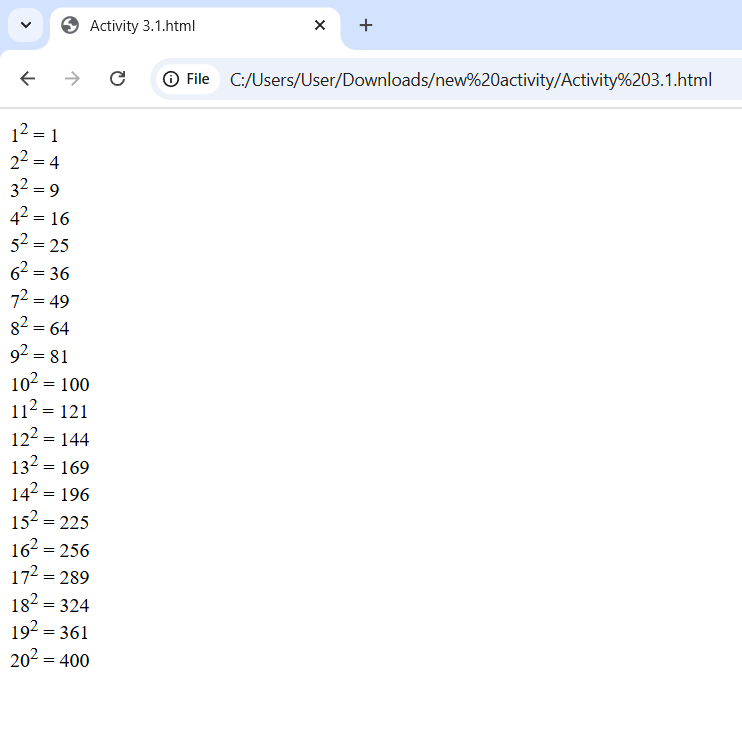
<!DOCTYPE html>
<html>
  <body>
    <!-- Shows the squares of numbers 1 to 20 -->
    <p>1<sup>2</sup> = 1</p>
    <p>2<sup>2</sup> = 4</p>
    <p>3<sup>2</sup> = 9</p>
    <p>4<sup>2</sup> = 16</p>
    <p>5<sup>2</sup> = 25</p>
    <p>6<sup>2</sup> = 36</p>
    <p>7<sup>2</sup> = 49</p>
    <p>8<sup>2</sup> = 64</p>
    <p>9<sup>2</sup> = 81</p>
    <p>10<sup>2</sup> = 100</p>
    <p>11<sup>2</sup> = 121</p>
    <p>12<sup>2</sup> = 144</p>
    <p>13<sup>2</sup> = 169</p>
    <p>14<sup>2</sup> = 196</p>
    <p>15<sup>2</sup> = 225</p>
    <p>16<sup>2</sup> = 256</p>
    <p>17<sup>2</sup> = 289</p>
    <p>18<sup>2</sup> = 324</p>
    <p>19<sup>2</sup> = 361</p>
    <p>20<sup>2</sup> = 400</p>
  </body>
</html>
Exercise 2: 10 names ordered alphabetically
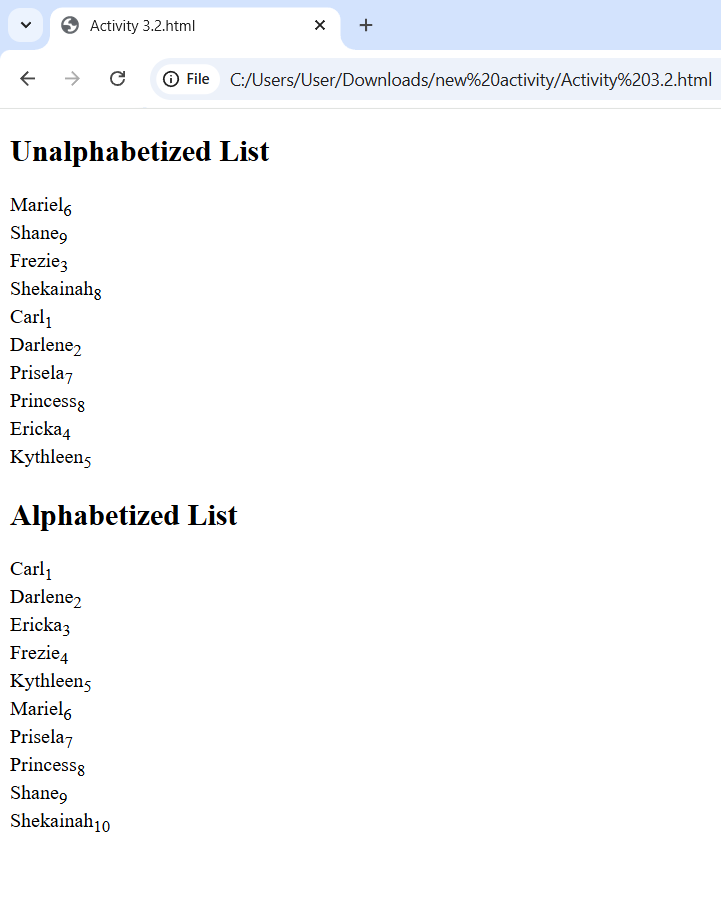
<!DOCTYPE html>
<html>
  <body>
    <h2>Unalphabetized List</h2>
    <!-- Names with subscript numbers -->
    <p>Mariel<sub>6</sub></p>
    <p>Shane<sub>9</sub></p>
    <p>Frezie<sub>3</sub></p>
    <p>Shekainah<sub>8</sub></p>
    <p>Carl<sub>1</sub></p>
    <p>Darlene<sub>2</sub></p>
    <p>Prisela<sub>7</sub></p>
    <p>Princess<sub>8</sub></p>
    <p>Ericka<sub>4</sub></p>
    <p>Kythleen<sub>5</sub></p>


    <h2>Alphabetized List</h2>
  <!-- Names in alphabetized list -->
    <p>Carl<sub>1</sub></p>
    <p>Darlene<sub>2</sub></p>
    <p>Ericka<sub>3</sub></p>
    <p>Frezie<sub>4</sub></p>
    <p>Kythleen<sub>5</sub></p>
    <p>Mariel<sub>6</sub></p>
    <p>Prisela<sub>7</sub></p>
    <p>Princess<sub>8</sub></p>
    <p>Shane<sub>9</sub></p>
    <p>Shekainah<sub>10</sub></p>
  </body>
</html>
Exercise 3: ;nbsp command
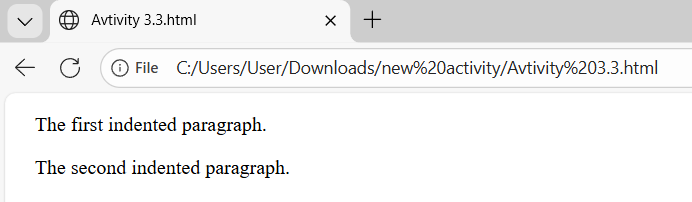
<!DOCTYPE html>
<html>
<body>
<!-- Two indented paragraphs using   -->
<p> The first indented paragraph.</p>
<p> The second indented paragraph.</p>
</body>
</html>Exercise 4: Lists
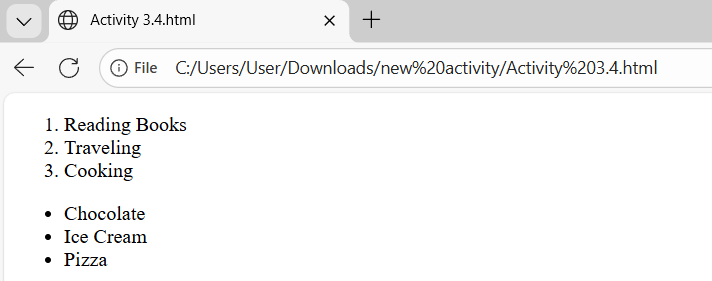
<!DOCTYPE html>
<html>
  <body>
    <!-- Ordered list -->
    <ol>
      <li>Reading Books</li>
      <li>Traveling</li>
      <li>Cooking</li>
    </ol>
    <!-- Unordered list -->
    <ul>
      <li>Chocolate</li>
      <li>Ice Cream</li>
      <li>Pizza</li>
    </ul>
  </body>
</html>
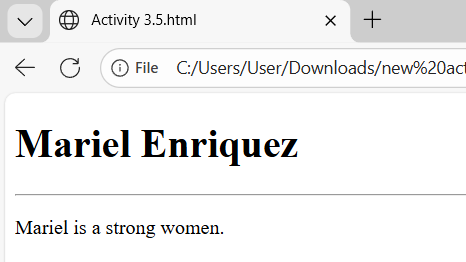
Exercise 5: Heading
<!DOCTYPE html>
<html>
  <body>

    <!-- Heading -->
    <h1>Mariel Enriquez</h1>

    <!-- Horizontal line -->
    <hr width="100%">

    <!-- Paragraph related to heading -->
    <p>Mariel is a strong women.</p>

  </body>
</html>
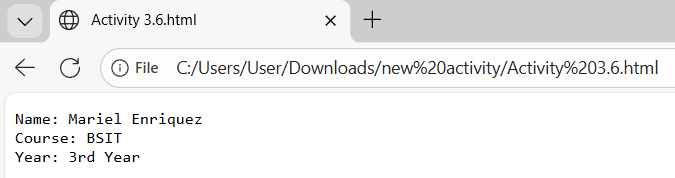
Exercise 6: Preformatted Text
<!DOCTYPE html>
<html>
  <body>

    <!-- Preformatted text -->
    <pre>
Name: Mariel Enriquez
Course: BSIT
Year: 3rd Year
    </pre>

  </body>
</html>
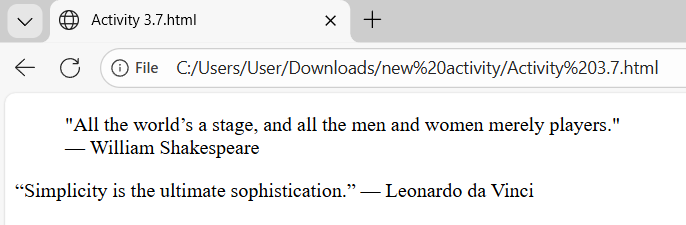
Exercise 7: Long and Short Quotes
<!DOCTYPE html>
<html>
  <body>
<!--Long quote and short quote with author -->
    <!-- Long quote -->
    <blockquote>
      "All the world’s a stage, and all the men and women merely players."
      <br>— William Shakespeare
    </blockquote>

    <!-- Short quote -->
    <q>Simplicity is the ultimate sophistication.</q> — Leonardo da Vinci

  </body>
</html>
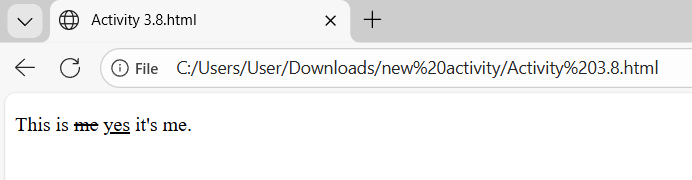
Exercise 8: Deleted and Inserted Text
<!DOCTYPE html>
<html>
  <body>

    <!-- Deleted and inserted text -->
    <p>This is <del>me</del> <ins>yes</ins> it's me.</p>

  </body>
</html>
Exercise 9: Definition list
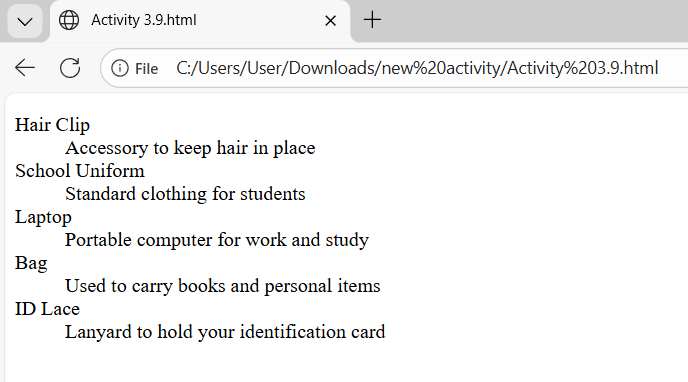
<!DOCTYPE html>
<html>
  <body>

    <!-- Definition list -->
    <dl>
      <dt>Hair Clip</dt>
      <dd>Accessory to keep hair in place</dd>

      <dt>School Uniform</dt>
      <dd>Standard clothing for students</dd>

      <dt>Laptop</dt>
      <dd>Portable computer for work and study</dd>

      <dt>Bag</dt>
      <dd>Used to carry books and personal items</dd>

      <dt>ID Lace</dt>
      <dd>Lanyard to hold your identification card</dd>
    </dl>

  </body>
</html>
Exercise 10: Envelope Format
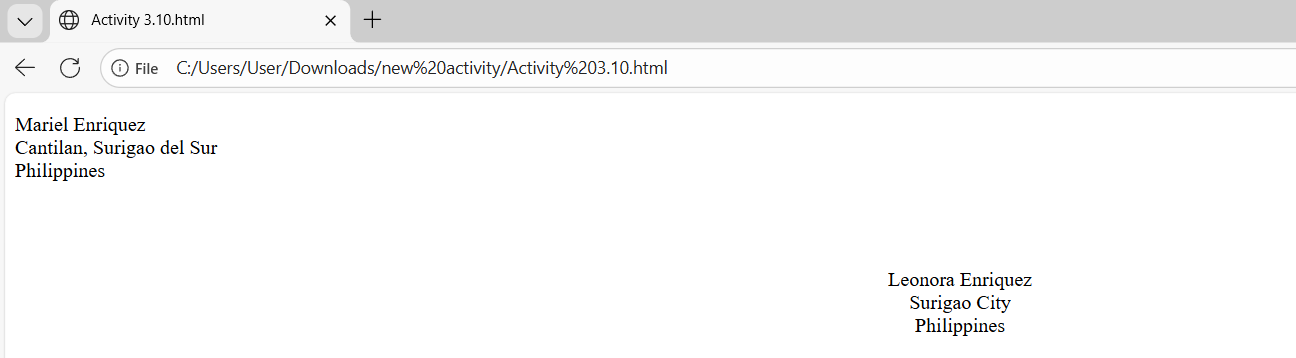
<!DOCTYPE html>
<html>
  <body>

    <!-- Sender address -->
    <p>
      Mariel Enriquez<br>
      Cantilan, Surigao del Sur<br>
      Philippines
    </p>

    <br><br>
    <!-- Receiver address -->
    <center>
      <p>
        Leonora Enriquez<br>
        Surigao City<br>
        Philippines
      </p>
    </center>

  </body>
</html>
Exercise 11: Acronyms and Abbreviations
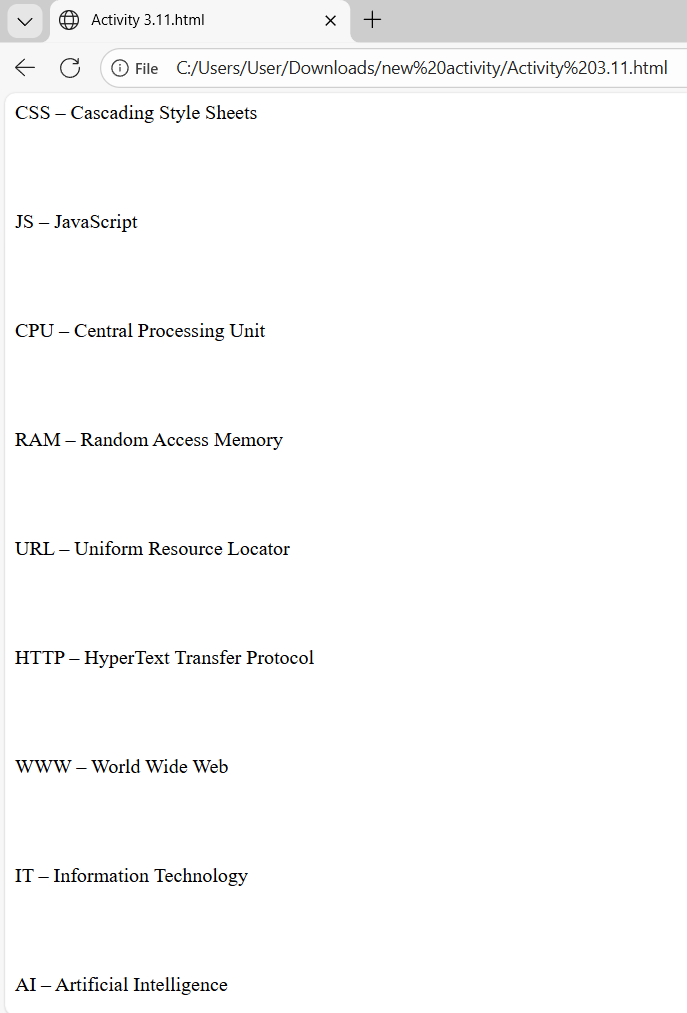
<!DOCTYPE html>
<html>
  <body>

    <!-- Ten acronyms and abbreviations-->
    <p>HTML – HyperText Markup Language</p><br><br>
    <p>CSS – Cascading Style Sheets</p><br><br>
    <p>JS – JavaScript</p><br><br>
    <p>CPU – Central Processing Unit</p><br><br>
    <p>RAM – Random Access Memory</p><br><br>
    <p>URL – Uniform Resource Locator</p><br><br>
    <p>HTTP – HyperText Transfer Protocol</p><br><br>
    <p>WWW – World Wide Web</p><br><br>
    <p>IT – Information Technology</p><br><br>
    <p>AI – Artificial Intelligence</p>

  </body>
</html>
Learning
In this activity, I learned how to organize content on a webpage using different HTML tags . I also learned how to present information more clearly and neatly. These exercises helped me understand better how a webpage is structured and improved my confidence in writing basic HTML.